Threat & scam questions
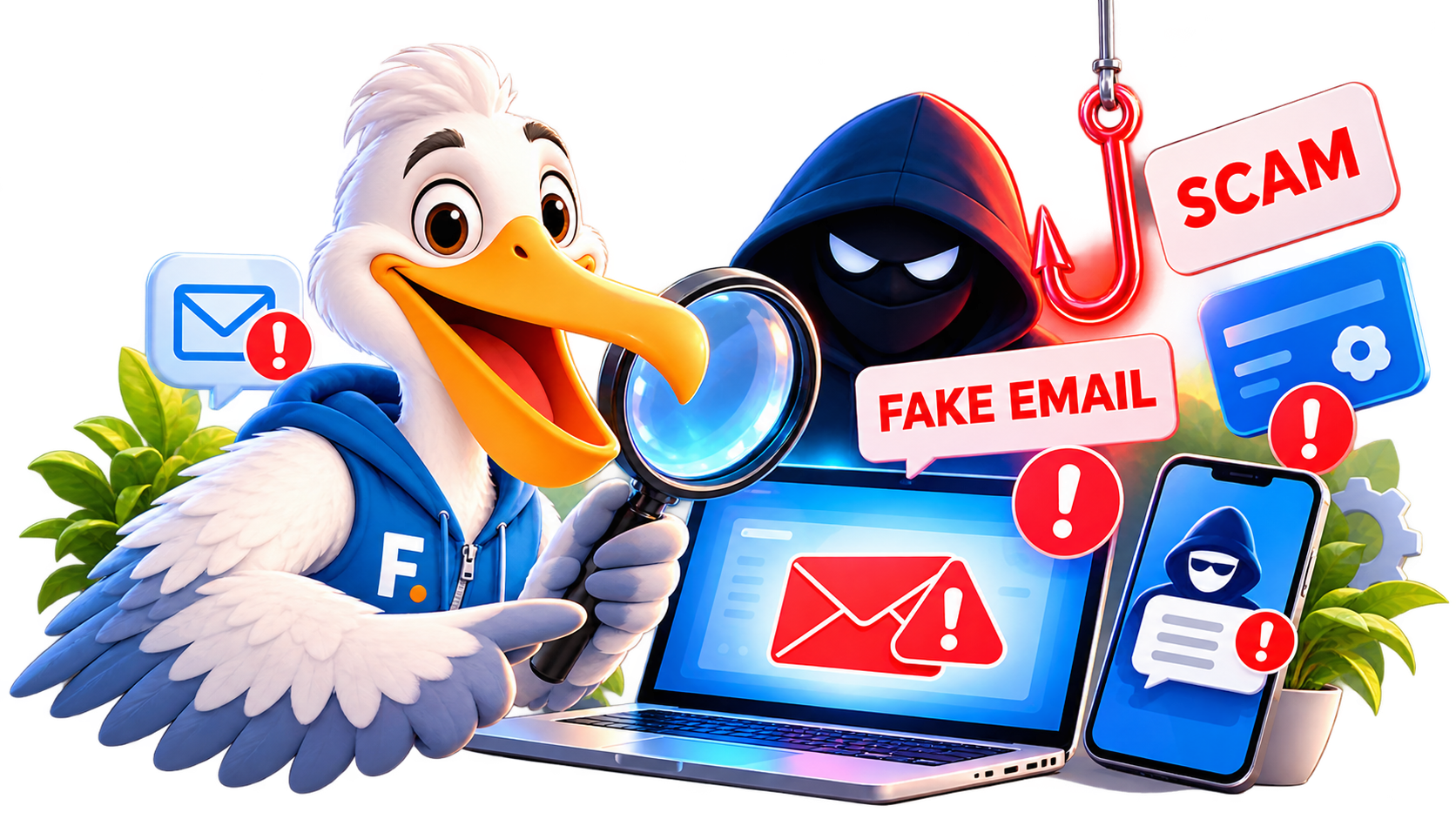
8 questionsI received a suspicious email or text. Is it a scam?+
Do not click links, open attachments or reply. Check the sender carefully and contact the organisation through an independently verified website or phone number if you need to confirm the message.
Explore this topic →I clicked a suspicious link. What should I do now?+
Close the page, do not enter more information, and consider disconnecting from the site. If you entered a password, change it from a trusted device and secure the primary email account first. If payment information was entered, contact the provider using verified contact details.
Explore this topic →Someone is pretending to be my bank, delivery company or government office+
Stop the conversation and contact the organisation independently using its official website, app or a number on a genuine statement or card. Do not use contact details supplied by the suspicious message.
Explore this topic →A caller wants remote access to my computer+
Do not install remote-access software or share access codes unless you independently initiated support with a provider you trust. If access was already granted, disconnect the device and secure important accounts from a separate trusted device.
Explore this topic →How can I recognise a fake online shop or social-media advert?+
Be cautious of pressure, unusually low prices, newly created sites, unclear contact details and payment methods with weak buyer protection. Search for the seller independently rather than following the advert link.
Explore this topic →I sent money to a scammer. What should I do first?+
Contact the bank, card issuer or payment provider immediately through a verified channel and ask what protective or recovery steps are still possible. Preserve messages, receipts and account details for reporting.
Explore this topic →How do I protect an older parent from impersonation scams?+
Agree on a family verification routine, encourage them to stop unexpected calls, and use independently verified contact details. Remind them that urgency and secrecy are common scam tactics.
Explore this topic →What are the warning signs of an investment or crypto scam?+
Be wary of guaranteed returns, urgency, pressure to move money quickly, requests to transfer crypto to an unknown wallet, fake celebrity endorsements and anyone asking you to install remote-access software.
Explore this topic →My email or online account may have been hacked+
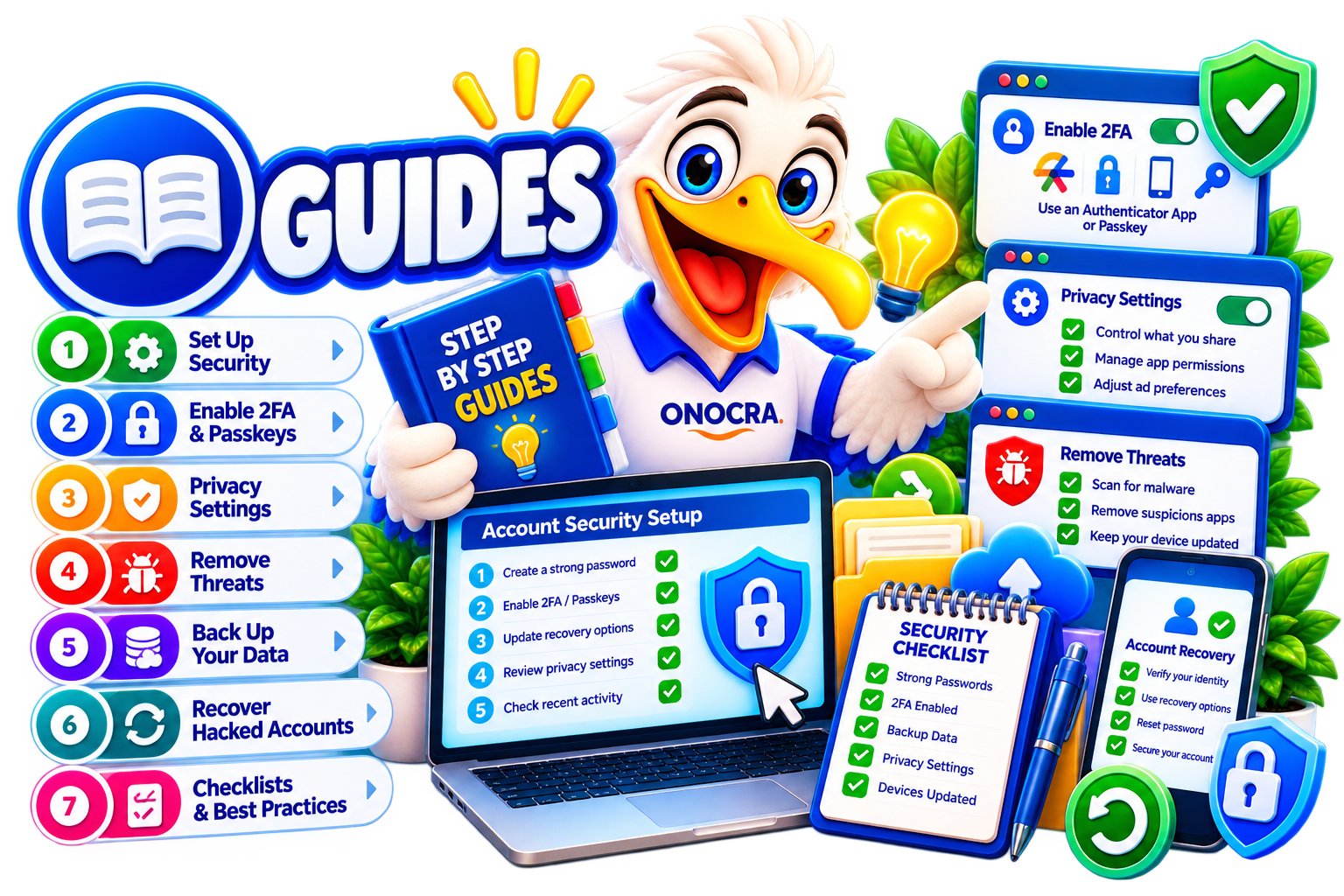
Use a trusted device, secure the primary email account first, change the affected password, review recovery details and active sessions, and enable stronger sign-in protection such as multi-factor authentication or a passkey where supported.
Explore this topic →Should I use a password manager?+
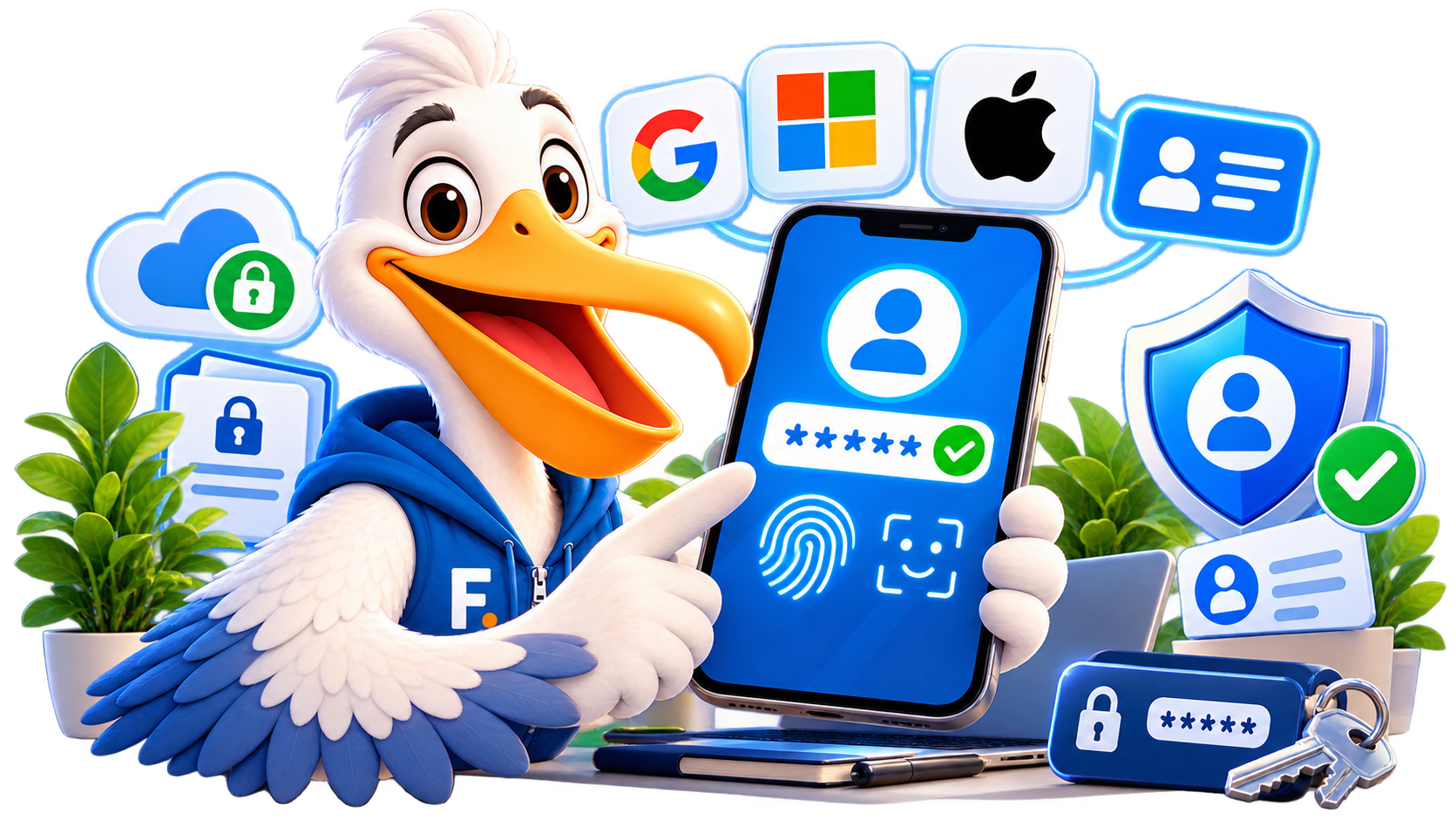
A reputable password manager can help you use unique passwords for every account. Protect the manager itself with a strong master password and multi-factor authentication where available.
Explore this topic →What is two-factor authentication and should I enable it?+
Two-factor authentication adds another check after your password. App-based prompts, security keys and passkeys can provide stronger protection than a password alone.
Explore this topic →Do I need antivirus software?+
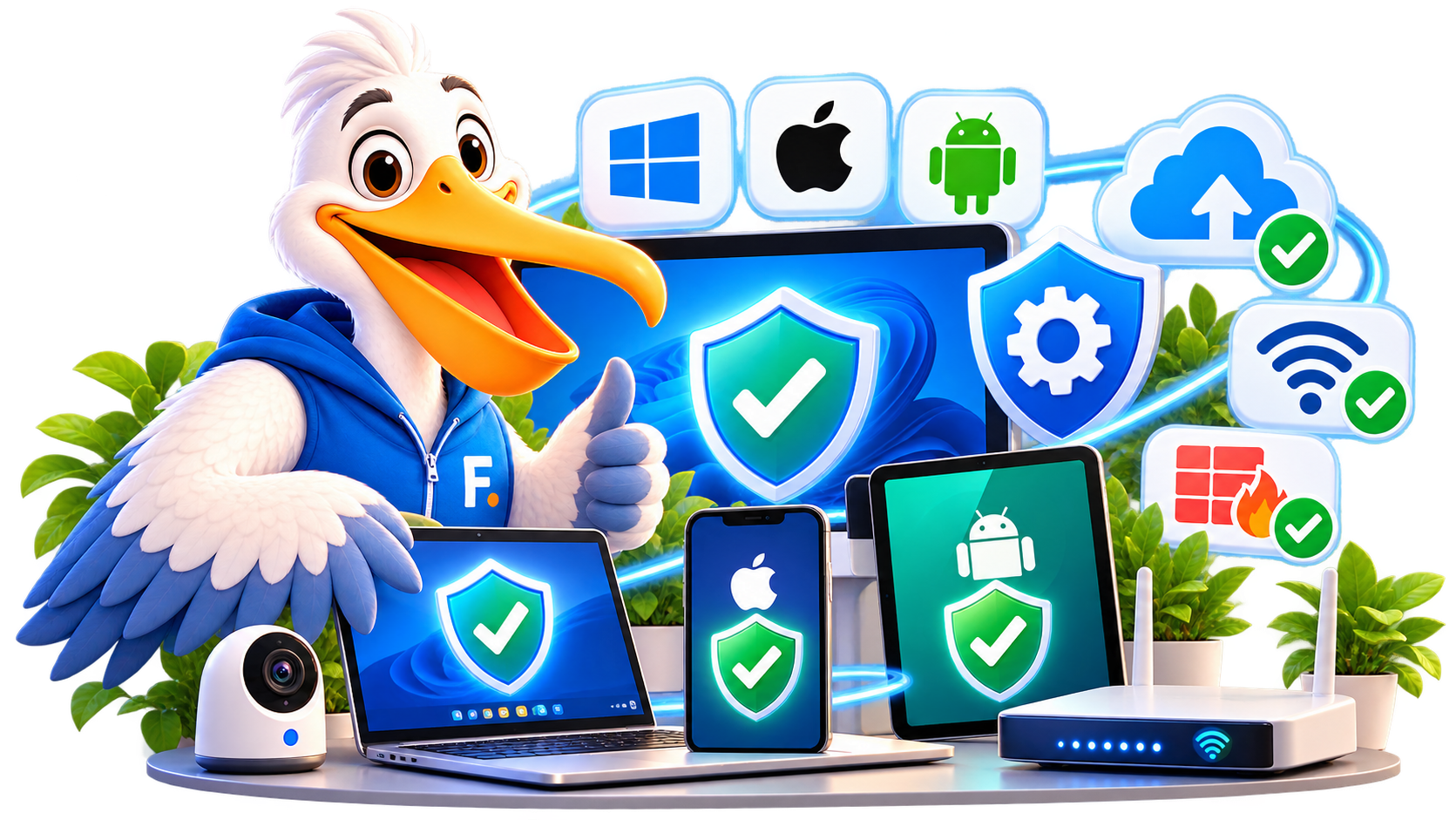
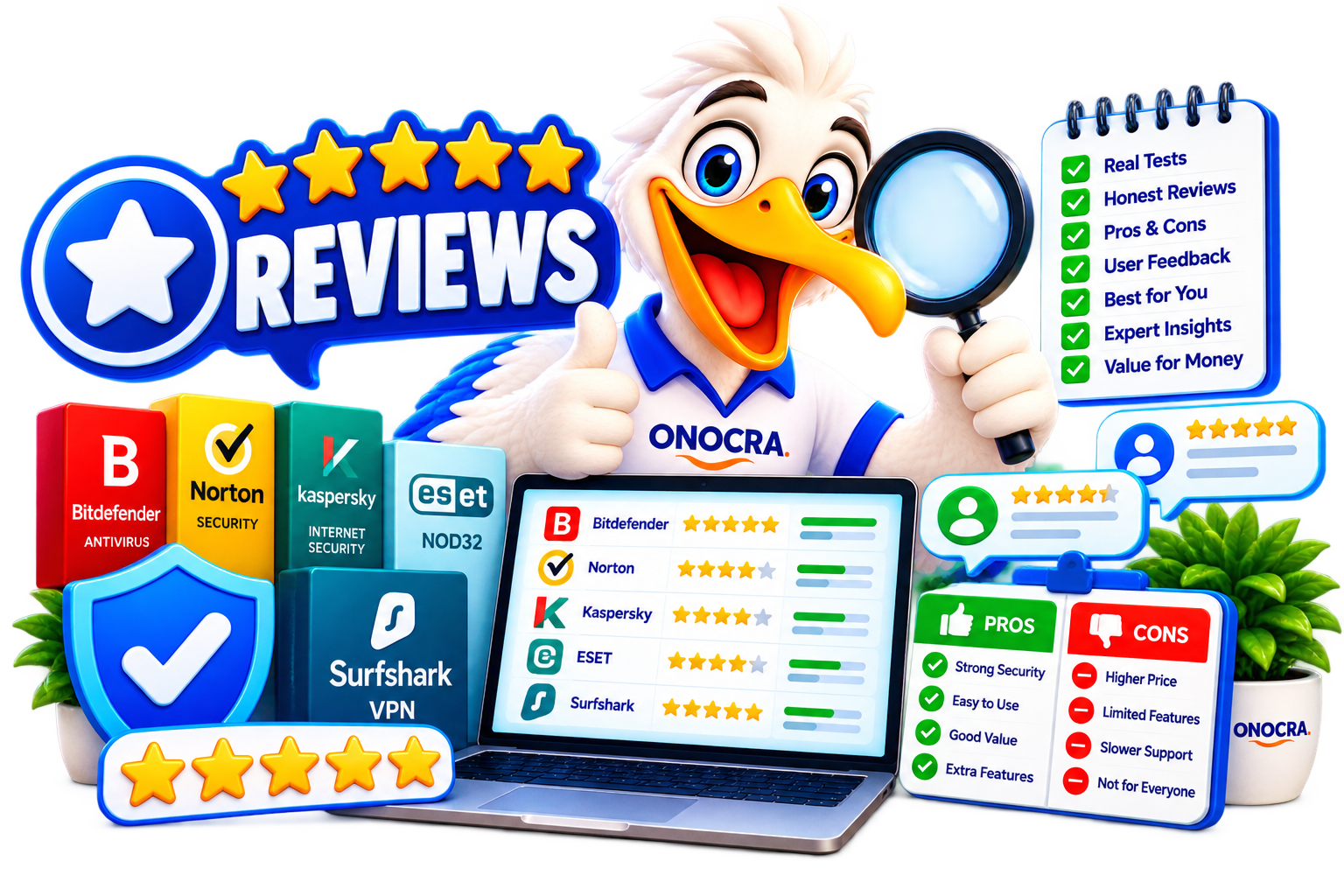
Start with the security tools built into your operating system and keep the device updated. Additional paid software may be useful for some households, but it should solve a real need rather than duplicate protections you already have.
Explore this topic →My device shows strange pop-ups or suspicious apps+
Avoid clicking the pop-ups. Disconnect from suspicious websites, review recently installed software, update the operating system and run the device's trusted built-in security scan. Seek qualified help if the behaviour continues.
Explore this topic →Which app permissions should I review?+
Check access to location, camera, microphone, contacts, photos and background activity. Remove permissions that are unnecessary for the app's purpose and uninstall apps you no longer trust or use.
Explore this topic →My phone with banking and email apps was lost or stolen+
Use the manufacturer's official find or lock service, contact your carrier if appropriate, secure your primary email and financial accounts, and never share verification codes with anyone claiming they found the device.
Explore this topic →Security situations vary. For urgent financial loss, contact the bank or payment provider through independently verified details rather than links or numbers in the suspicious message.


 US
 UK
 Germany


 US consumer testing and security-product reviews
 Security software and technology reviews
 UK consumer guidance and product testing
 Official national cybersecurity and fraud resources