ONOCRA DEVICE HUB

Phones & Tablets

We focus on 6 trusted brands in US & Europe.

Regional reviews, comparisons & buying advice.

AppleSamsungGoogleMotorolaOnePlusXiaomi

Get help, clear advice and confident decisions for the devices your family uses every day.

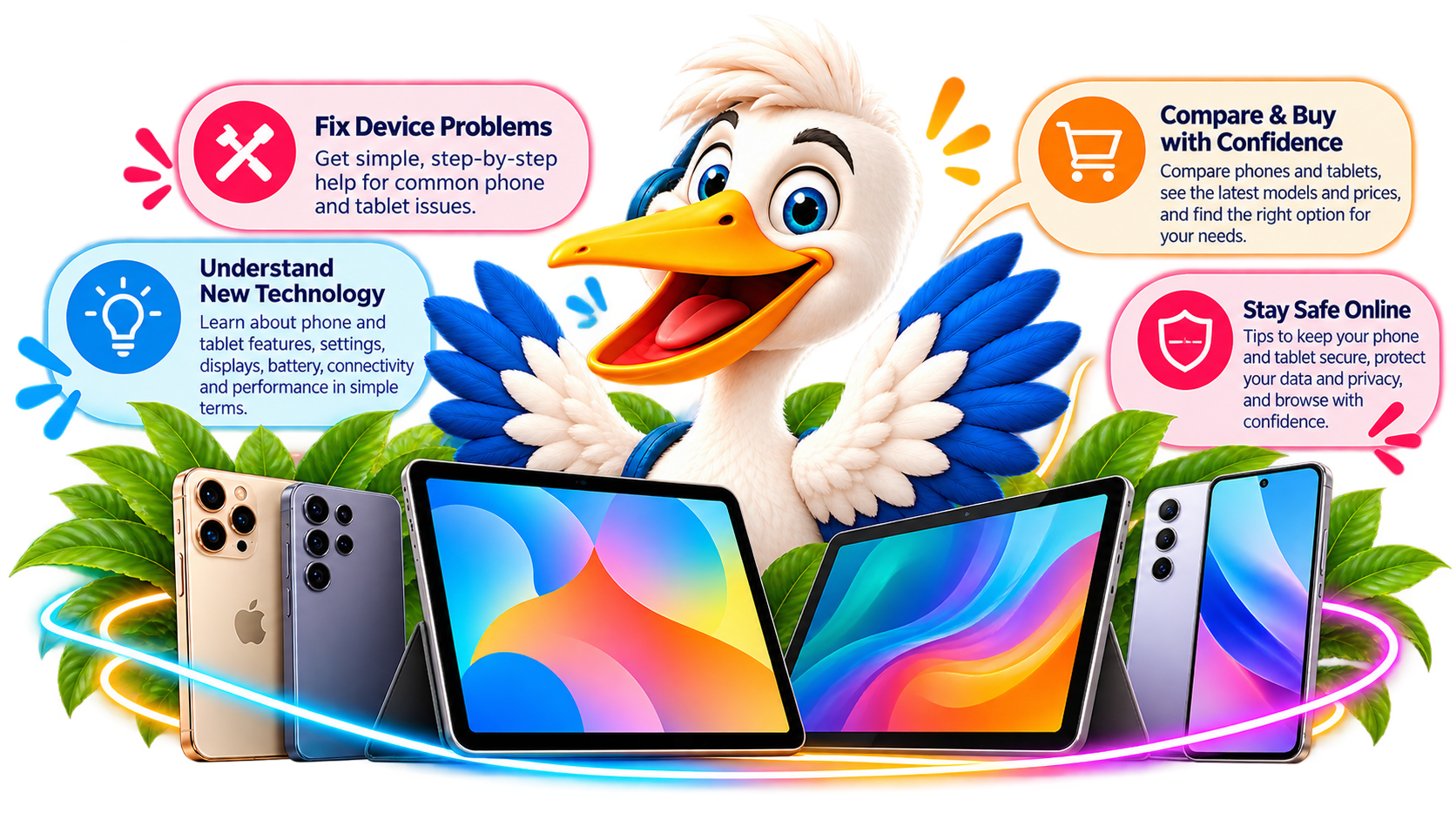
ONOCRA Pelican helping people explore phones and tablets

START HERE

How can ONOCRA help you today?

Describe the problem, product or question. We’ll help you find the clearest route.

Browse video solutions Find a short tutorial for your question

Explore these five popular video topics. Links open YouTube searches; ONOCRA videos can replace them when published.

Don't see your solution? No problem — explore Quick Help for 15 practical answers →

ADVERTISEMENT

EXPLORE YOUR DEVICES

Find help for your device

Choose Phones or Tablets, then explore the complimentary services relevant to you.

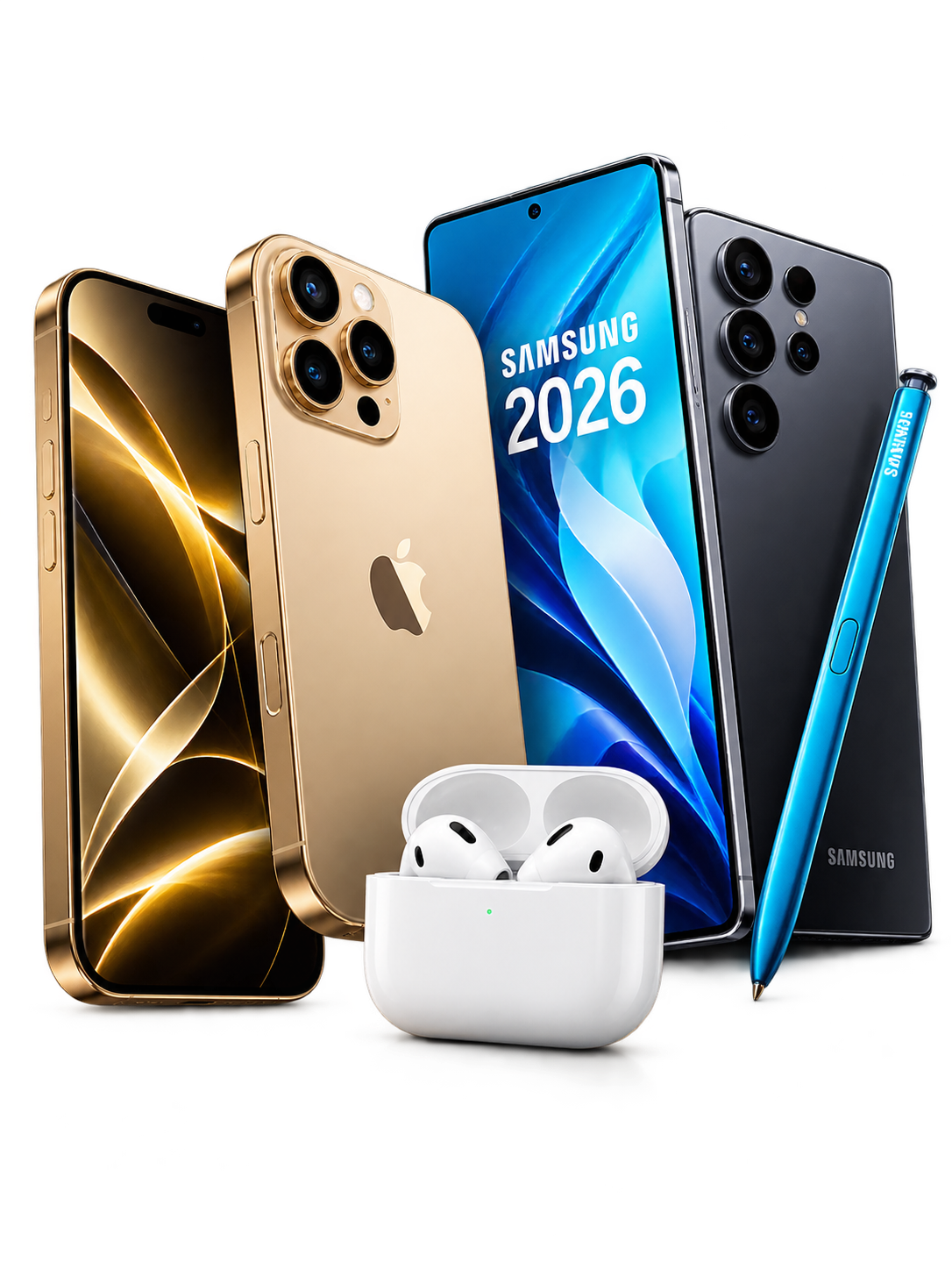
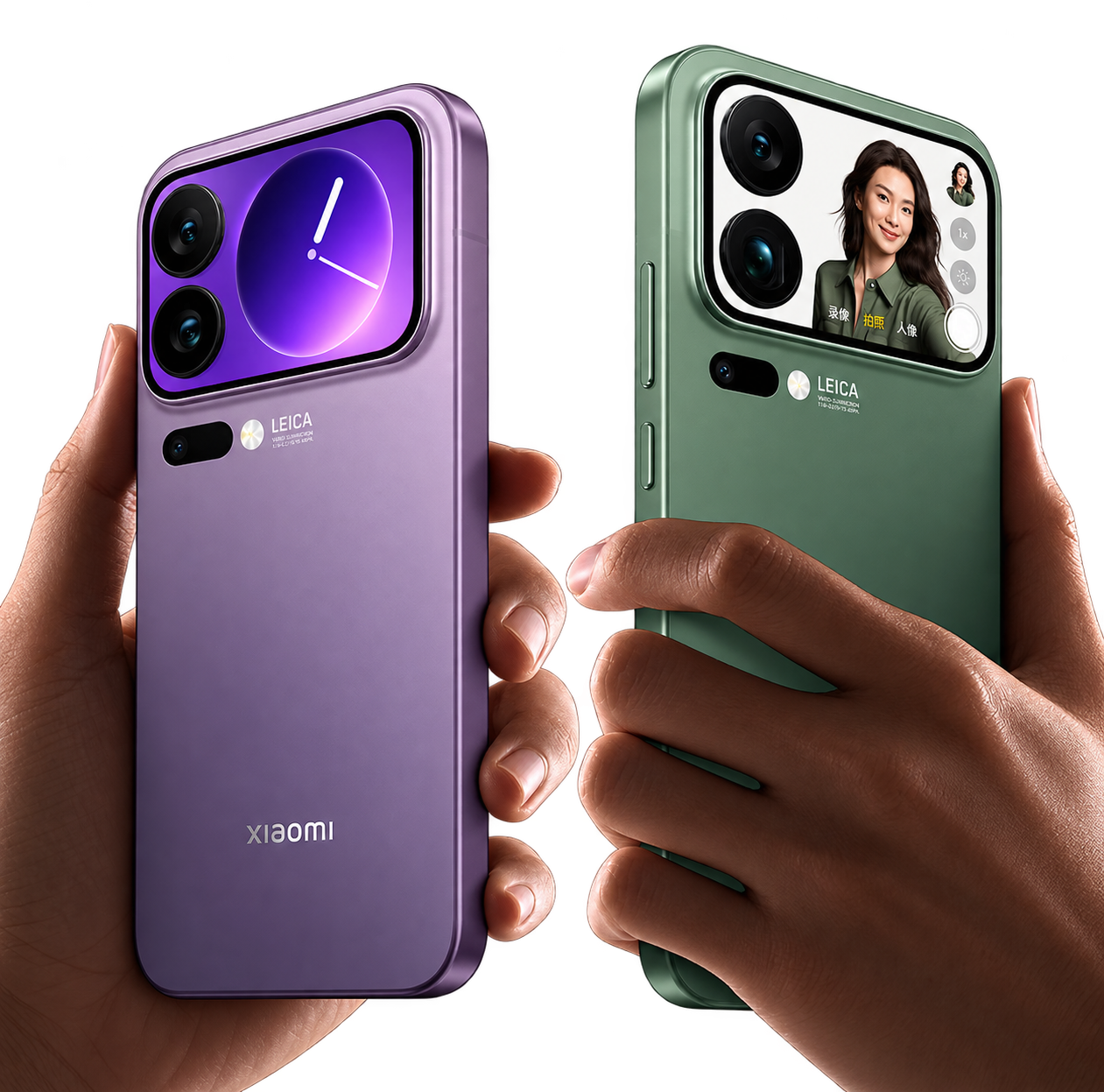
Illustration of today's smartphones

Phones

iPhone, Galaxy, Pixel, Motorola and more

  • Are you facing a problem with your phone?
  • Do you need to understand phone technology?
  • Do you want to explore and compare two models to understand the generational leap?
  • Are you looking to buy a new phone or upgrade your existing phone?
EXPLOREOur Complimentary Services
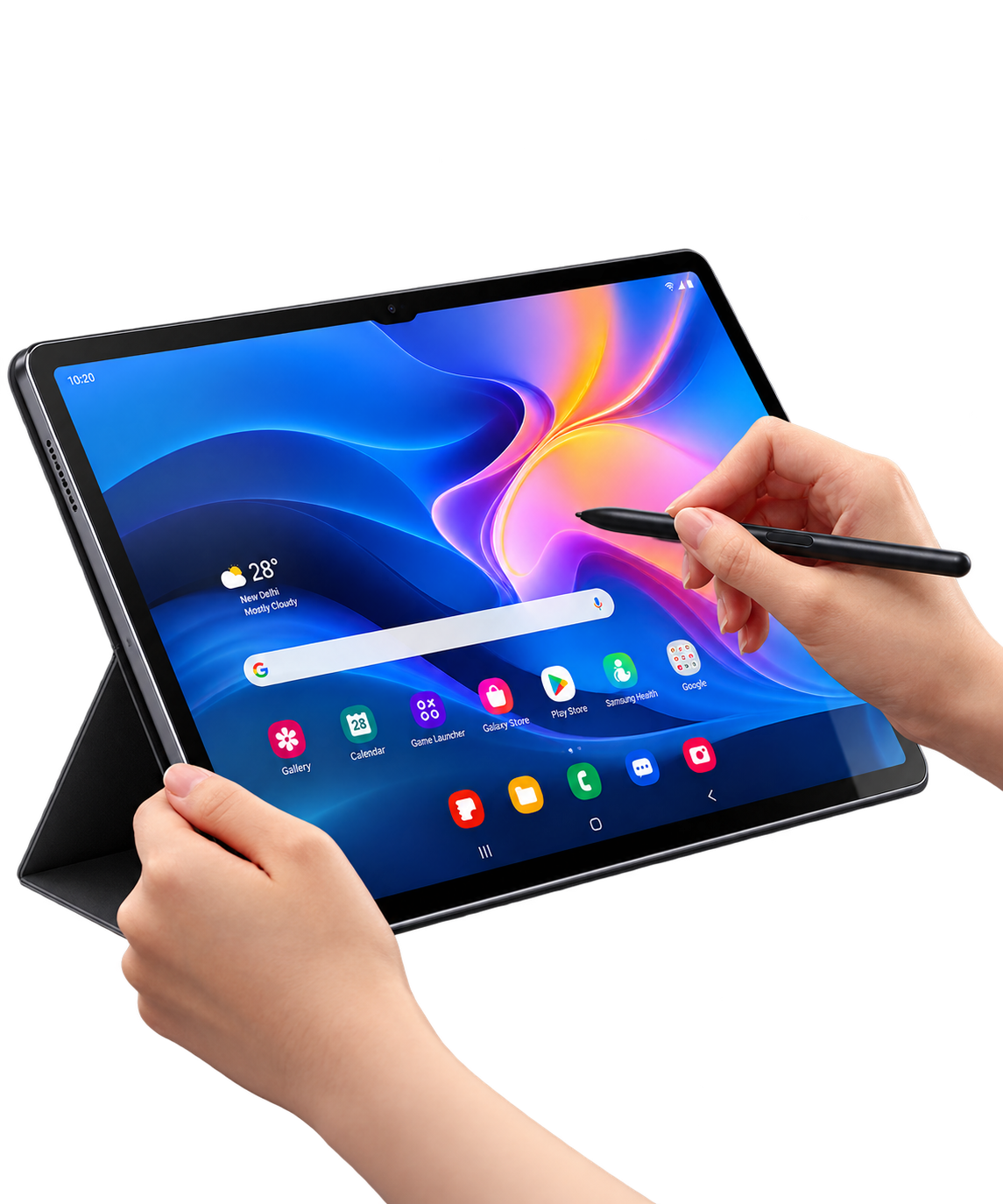
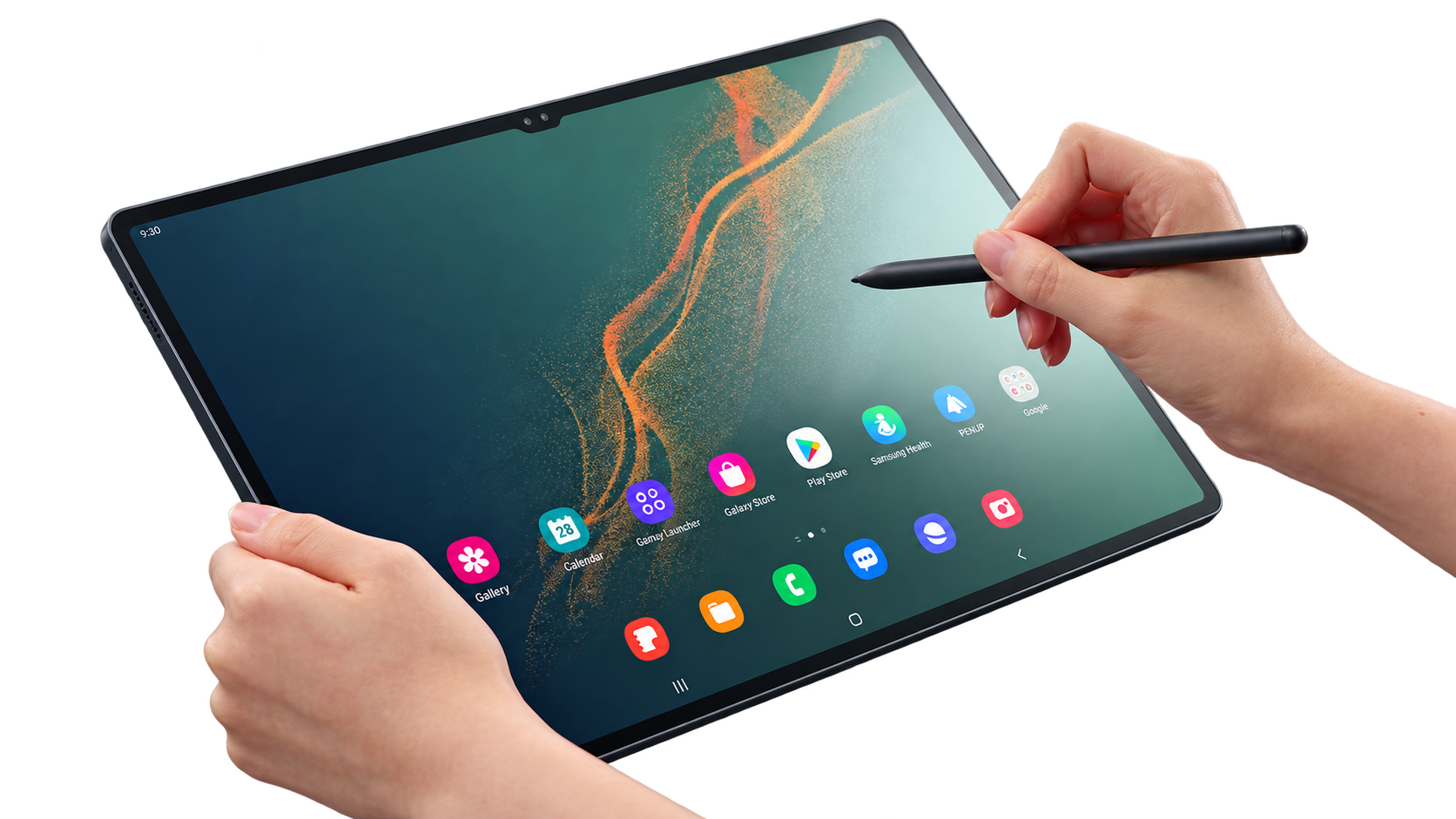
Illustration of tablet devices

Tablets

iPad, Galaxy Tab, Pixel Tablet and more

  • Are you having a problem with your tablet?
  • Would you like to understand tablet technology and features?
  • Do you want to explore tablet generations and compare models?
  • Are you considering a new tablet or an upgrade for home, study or work?
EXPLOREOur Complimentary Services

FIX & DECODE · STEP BY STEP

Diagnostics & Guides

Open a guide for practical steps, then find a video demonstration when useful.

Browse the Phones & Tablets Knowledge Base →
Move from iPhone to Android safely

Back up both devices, use the official transfer tools, check your photos, contacts and messages, then verify everything before resetting your old phone.

Fix a phone that will not charge

Check a compatible cable and adapter, inspect for moisture or visible damage, and try another outlet. Do not insert metal objects into the charging port.

Set up a tablet for children or family

Create separate profiles where supported, enable purchase restrictions, review age-appropriate apps and privacy settings, and agree on screen-time rules.

Set up a tablet keyboard or stylus

Confirm compatibility with your tablet, check charge or battery level and follow the maker’s pairing instructions.

Transfer photos between a phone and tablet

Use a supported cloud account or the manufacturer’s transfer options. Verify your files before deleting old copies.

ONOCRA guides for phones and tablets

DIGITAL PARENTING · FAMILY FIRST

Helping families use
devices safely

Simple, age-aware steps for phones and tablets used by children and teenagers.

Digital parenting and safer family device use
Set up a child’s first phone

Create the right child or family account, set a secure lock, select trusted contacts and check the phone’s communication and privacy settings.

Explore guidance →
Make a tablet suitable for younger children

Use an age-appropriate tablet profile, restrict purchases, set content limits and choose apps that match the child’s needs.

Explore guidance →
Set screen-time limits on phones and tablets

Use Apple Screen Time or Android Family Link where compatible, agree on bedtime and study-hour limits, and review them together.

Explore guidance →
Control app downloads and in-app purchases

Turn on purchase approvals, review app age ratings and permissions, and check whether restrictions apply to each family device.

Explore guidance →
Manage location sharing on a child’s phone

Choose whether and with whom to share device location, discuss the privacy trade-offs, and review permissions periodically.

Explore guidance →
Prepare a phone or tablet for school

Set up school accounts and required apps, enable focus settings, check the school’s device policy and test accessories or Wi-Fi.

Explore guidance →
Hand down an old phone or tablet safely

Back up the original owner’s data, sign out and reset the device, verify ongoing updates, then set it up with the child’s account.

Explore guidance →
Choose contacts and calling controls for a child

Review permitted contacts, communication limits and emergency calling options in the phone’s current parental-control settings.

Explore guidance →
Seed & Sapling logo
In collaboration withSeed & Sapling
Explore Digital Parenting →
ADVERTISEMENT

COMPARE WITH CONFIDENCE

Reviews & Comparisons

Clear answers, sensible comparisons and independent evidence — made for everyday households.

What would you compare?

Choose the type of device to begin. ONOCRA guides you through a simple five-step journey, from what matters to you to an evidence-based verdict.

Our five steps

  1. RouteChoose Explore & Compare or Help Me Choose.
  2. WhoTell us who will use the device.
  3. PrioritiesRank the features that matter most.
  4. ModelsChoose the devices you want to compare.
  5. VerdictRead ONOCRA’s evidence-based guidance.
ONOCRA pelican comparing two phones to help visitors make informed decisions
ONOCRA Signature

Our Evaluation Approach

We assess devices using the factors that matter most in real life.

Read our detailed methodology
Everyday UseReal-life performance for your daily needs.
Technical PerformanceSpeed, screen, battery, camera and more.
Value for MoneyFeatures and support for what you pay.

Independent Sources

We cite published research; ONOCRA does not claim to conduct laboratory tests.

Consumer ReportsUS consumer testing and reliability
PCMagExpert reviews and performance
Which?UK consumer advice and testing
NotebookcheckTechnical analysis and benchmarks

CHOOSE WITH CONFIDENCE

Choose the right device

Explore phones or tablets before you buy. Browse the models, check what matters to your household and compare current offers.

What would you like to choose?

Start with a product gallery, then review features, suitability and buying options.

Choose your device first. ONOCRA’s comparisons and evidence-based guidance remain independent of retailer links.

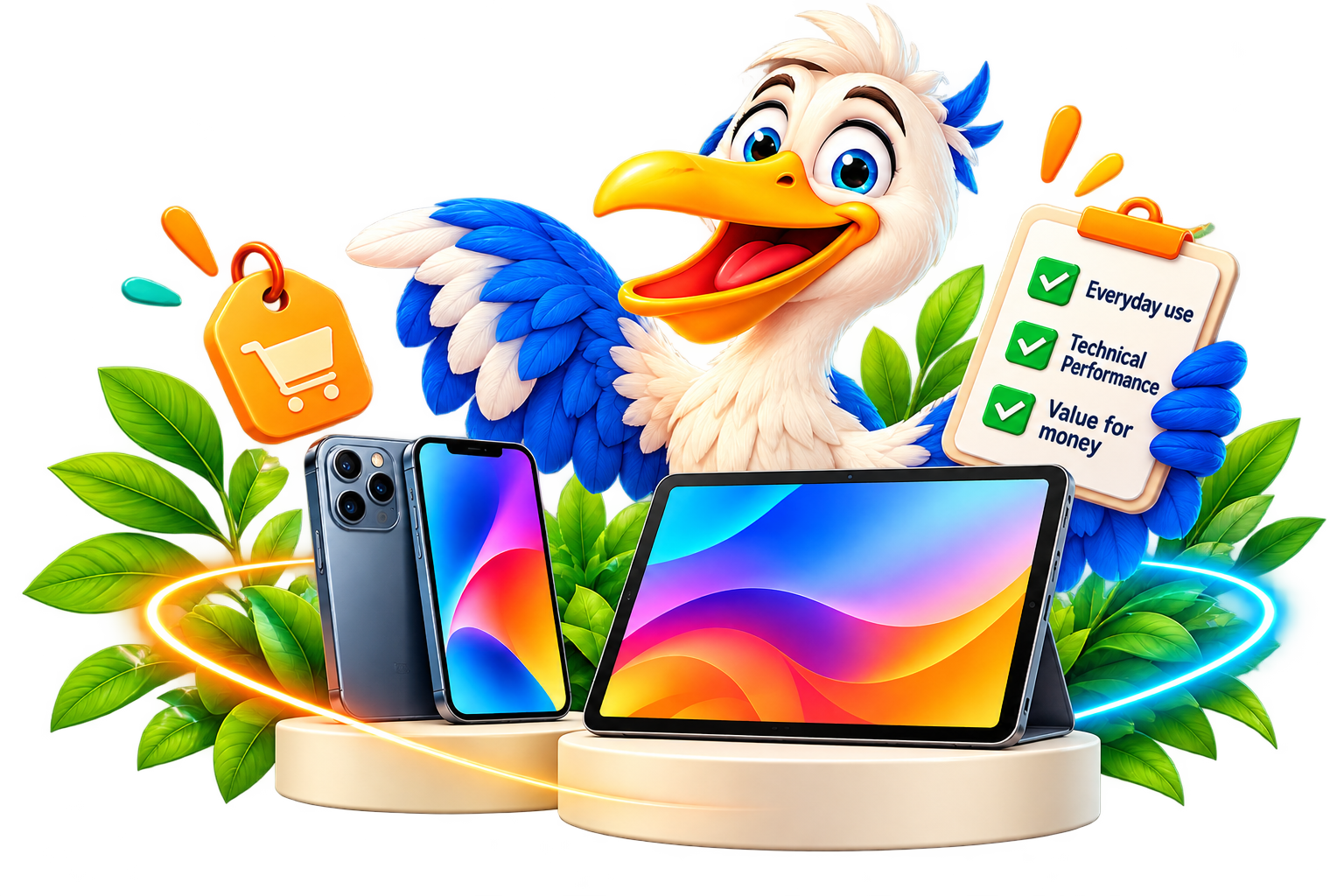
ONOCRA pelican helping families choose a phone or tablet with a helpful buying checklist

RETAILER REFERENCE · US · UK · GERMANY

Stores & buying platforms

Compare offers by region — seller identity, sealed-new condition, warranty and final price all matter.

Independent listing for convenient browsing, not an endorsement, certification or claim of partnership. Check who sells and fulfils each item; some platforms also list used, refurbished or third-party products. ONOCRA’s new-device research covers factory-sealed new models only. Affiliate relationships, if introduced, will be disclosed and will not influence editorial order.

ONOCRA ROUTE · BEYOND OUR COVERED BRANDS

More brands, official help
and useful resources

Our main coverage focuses on six brands. For other devices, follow these links to manufacturers’ own websites and support resources.

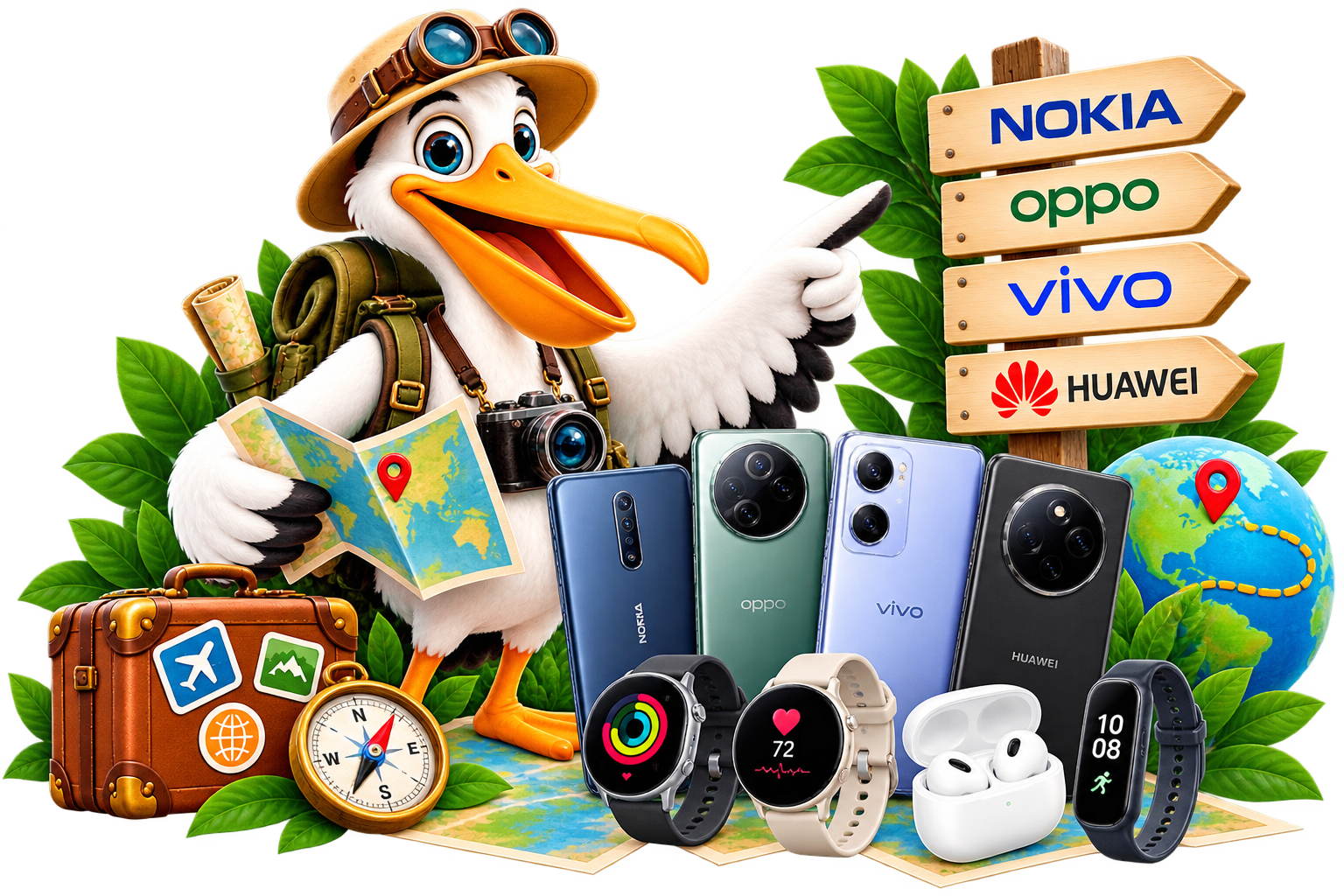
Explore more phone and tablet brands with ONOCRA
Phones10 additional phone brands
HMD / Nokia

Phones and device information. Check availability and support for your country.

Visit official manufacturer website ↗
Sony Xperia

Xperia phones and support. Check availability and support for your country.

Visit official manufacturer website ↗
Nothing

Nothing phones and accessories. Check availability and support for your country.

Visit official manufacturer website ↗
HONOR

Phones, software and support. Check availability and support for your country.

Visit official manufacturer website ↗
OPPO

Smartphones and support. Check availability and support for your country.

Visit official manufacturer website ↗
vivo

Smartphones and help. Check availability and support for your country.

Visit official manufacturer website ↗
realme

Phones and accessories. Check availability and support for your country.

Visit official manufacturer website ↗
ASUS

Zenfone and ROG Phone resources. Check availability and support for your country.

Visit official manufacturer website ↗
TCL

Phones and support. Check availability and support for your country.

Visit official manufacturer website ↗
Fairphone

Repairable phones and support. Check availability and support for your country.

Visit official manufacturer website ↗
TabletsMore tablet manufacturers
Lenovo

Android tablets and support. Check availability and support for your country.

Visit official manufacturer website ↗
Amazon Fire

Fire tablets and related information. Check availability and support for your country.

Visit official manufacturer website ↗
Microsoft Surface

Surface devices and support. Check availability and support for your country.

Visit official manufacturer website ↗
HUAWEI

MatePad tablets and support. Check availability and support for your country.

Visit official manufacturer website ↗
HONOR

HONOR Pad models. Check availability and support for your country.

Visit official manufacturer website ↗
TCL

TCL tablets. Check availability and support for your country.

Visit official manufacturer website ↗

External manufacturer links open in a new tab. Product ranges and support pages vary by country. ONOCRA is independent of these brands.

Friendly ONOCRA pelican giving a thumbs-up